Features

Built for the realities of modern hiring.

Every feature in Resume AI Optimizer is shaped by one fact: your resume probably won't be read by a human first. Here's how we help you get past the filters — and impress the recruiter on the other side.

AI tailoring

Rewritten for every role — using your real experience.

Claude reads the full job posting and your full resume in one pass, then rewrites your bullets to mirror the wording the recruiter is likely scanning for. It's instructed to use only experience you've actually had — no invented roles, dates, or credentials. You can review every change in a before/after view.

  • Rewrites built only from your real experience
  • Skills reordered to match the role's priority
  • Summary rewritten in the company's tone
  • Before/after view so you see what changed
  • Ask the AI to adjust anything you don't like
AI-tailored resume preview
ATS-ready output

Designed to parse cleanly — by design.

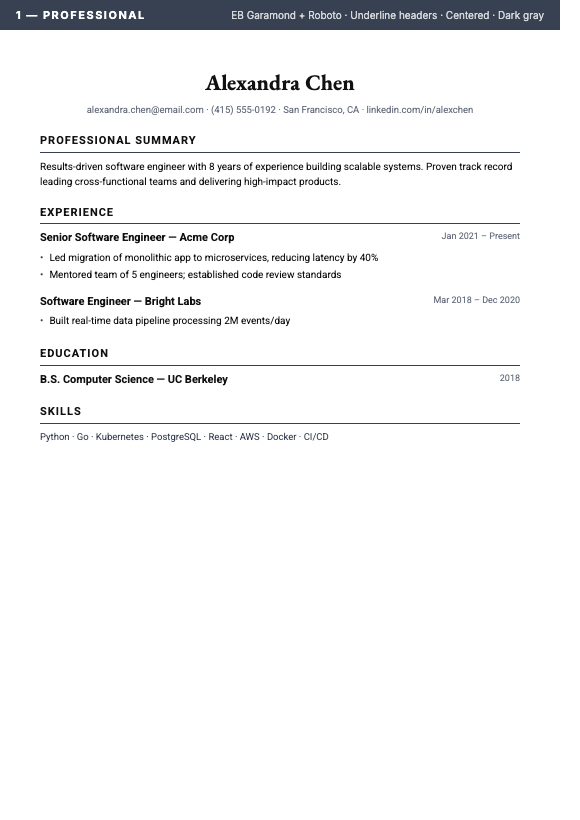
Resumes are often screened by software before a human reads them. Our ATS-friendly templates avoid formatting traps that can break ATS parsers: tables, multi-column layouts, text-in-images, fancy ligatures. Your resume reads the same to a human and to the bot — clean and parseable. The one exception is the Europass photo layout, which is meant for human readers (see Templates).

  • Single-column, parseable layout
  • Standard headings (Experience, Education, Skills, Summary)
  • System fonts only — no missing-glyph errors
  • Built around ATS parsing best practices
  • AI fit score estimates how well you match the role
ATS-friendly resume layout
12 templates

Twelve designs for different kinds of roles.

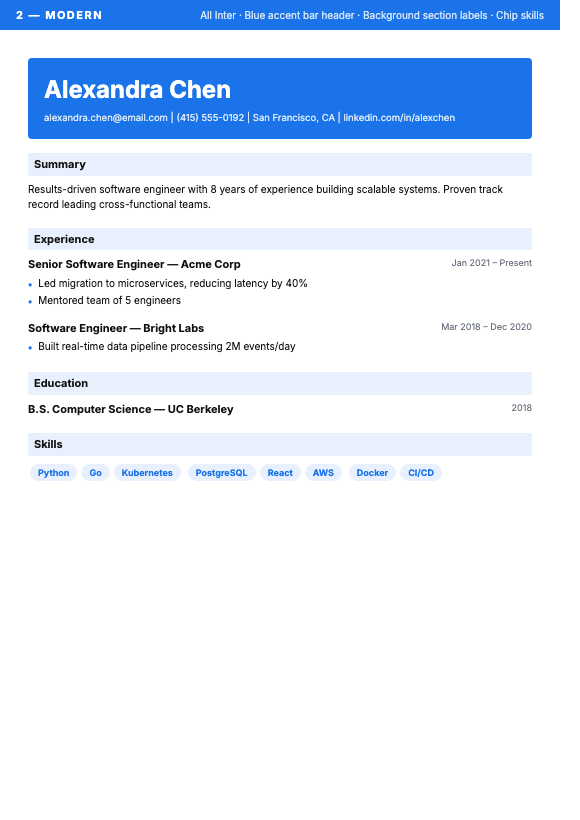
Switch templates without losing a single bullet. Eleven of the twelve layouts are ATS-friendly and tuned for a specific kind of role — from minimalist to executive to federal-government style. The twelfth, the Europass photo layout, is for human readers and regional applications and is not ATS-optimized. Pick the one that fits the company you're applying to, not the one that looked nice on Pinterest.

  • Professional, Modern, Executive, Minimal, Creative
  • Technical, Academic, Startup, Federal, Compact
  • Plus a UK/AU CV and a Europass photo layout (not ATS-optimized)
  • Switch instantly — content moves with you
  • Tuned typography, no Word-default look
One of twelve template designs
Refine with AI chat

Iterate until it sounds like you.

First pass not perfect? Ask the AI to emphasize a skill, rewrite a section, tighten a paragraph, or shift the tone for a different audience. Chat back-and-forth until the resume reads like the version you'd actually send.

  • Natural-language editing requests
  • Targeted rewrites — section, paragraph, or single bullet
  • Context-aware: it remembers the job you're applying to
  • Tone-shifts (formal, conversational, technical) on request
  • Uses credits only when an edit is actually made
AI chat refinement preview
Drive & OneDrive sync

Your storage. Your retention. Your control.

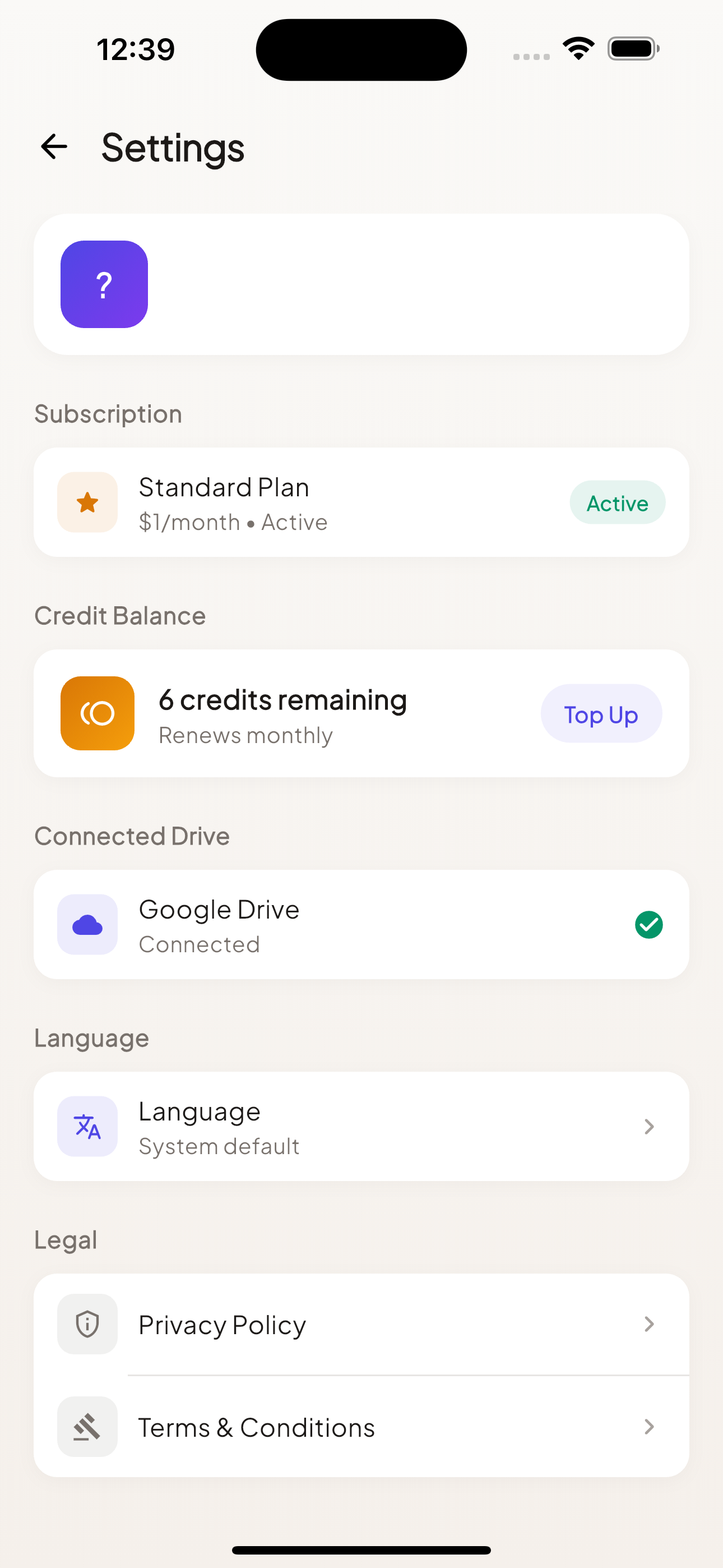
Output files save straight to your Google Drive or OneDrive. We process your file in memory and return the result to you — we don't keep your resume files on our servers. Sign in with Apple, Google, or Microsoft. No passwords on our end.

  • No resume files stored on our servers
  • Files written to your Drive or OneDrive
  • Apple, Google, Microsoft sign-in (no passwords)
  • PDF or Word — your choice, every time
  • Built-in delete-account flow
Drive sync & privacy controls
Batch processing

One resume. Up to 50 jobs.

Job hunts move fast. Pro lets you start a batch with one master resume and add up to 50 job postings — each gets its own tailored resume. Spend the time you save actually applying.

  • Up to 50 job descriptions per batch
  • Each output tuned to its job — not a generic version
  • Add jobs as you go — each starts processing right away
  • Match scores listed alongside each output
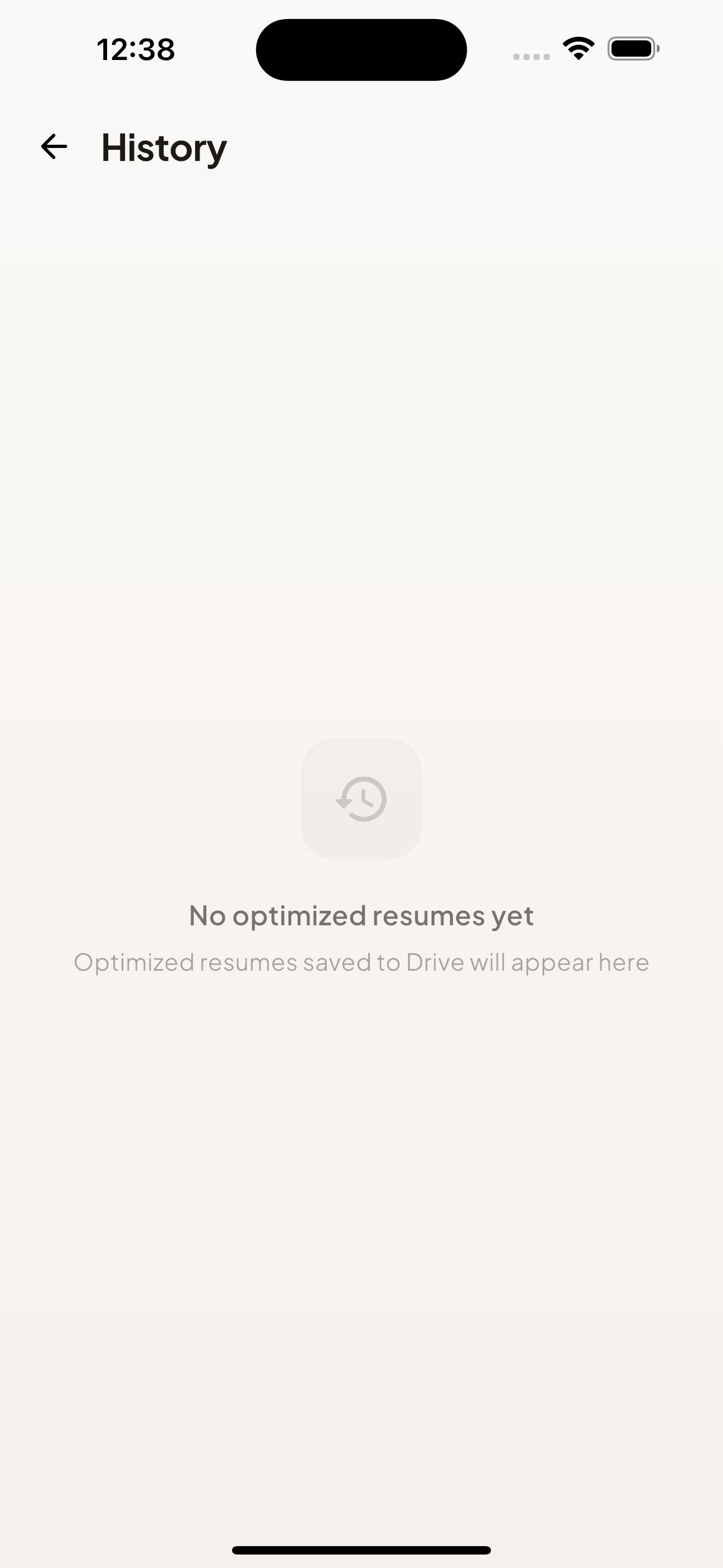
Batch processing history

Stop guessing. Start interviewing.

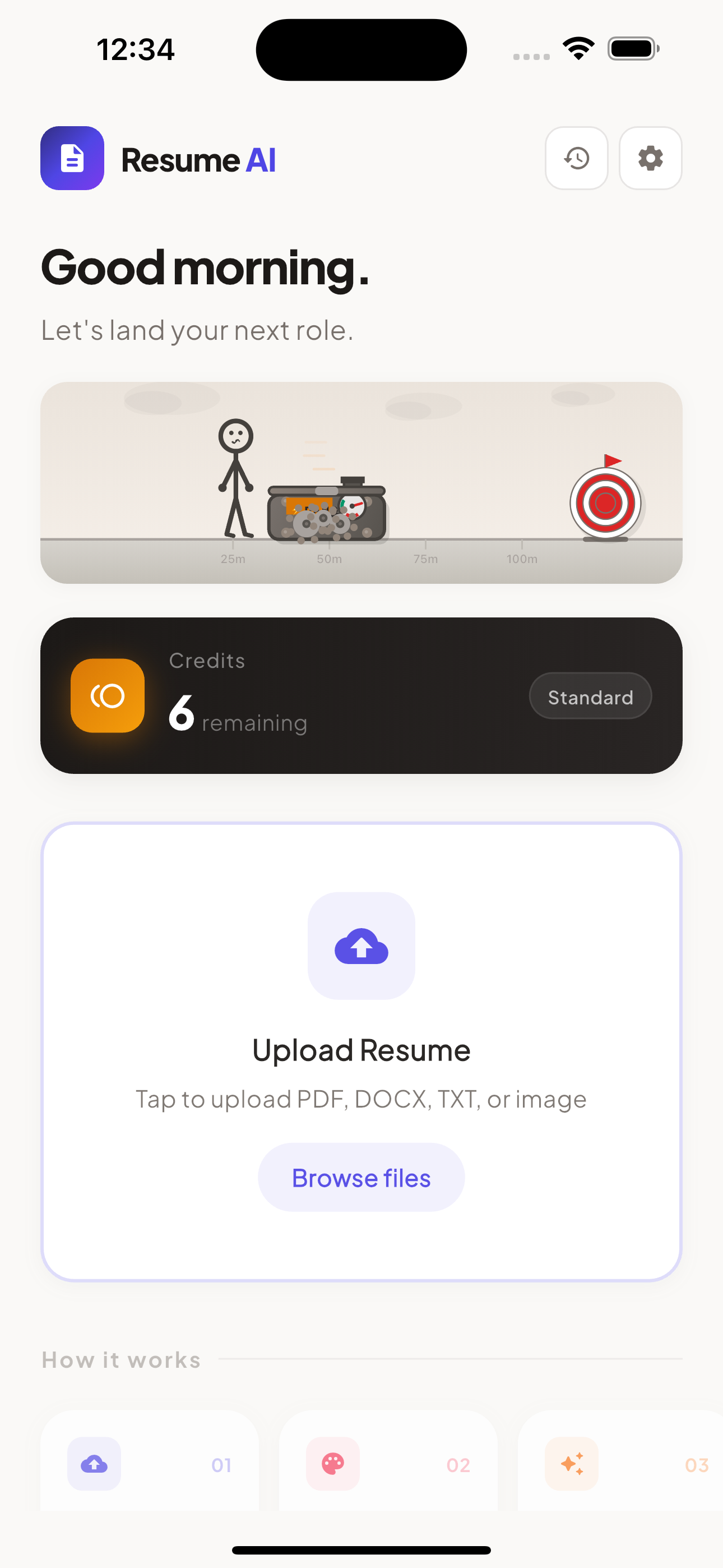
Download Resume AI Optimizer on iOS and Android. A Standard or Pro plan unlocks optimizations.