Upload your master resume
Drop in your long-form resume — every role, every project. PDF, Word, plain text, or even a photo. Your original file isn't stored on our servers.
Resume AI Optimizer rewrites your resume for each job posting in minutes — using your real experience, and formatted to read cleanly in the applicant tracking software most large employers use.
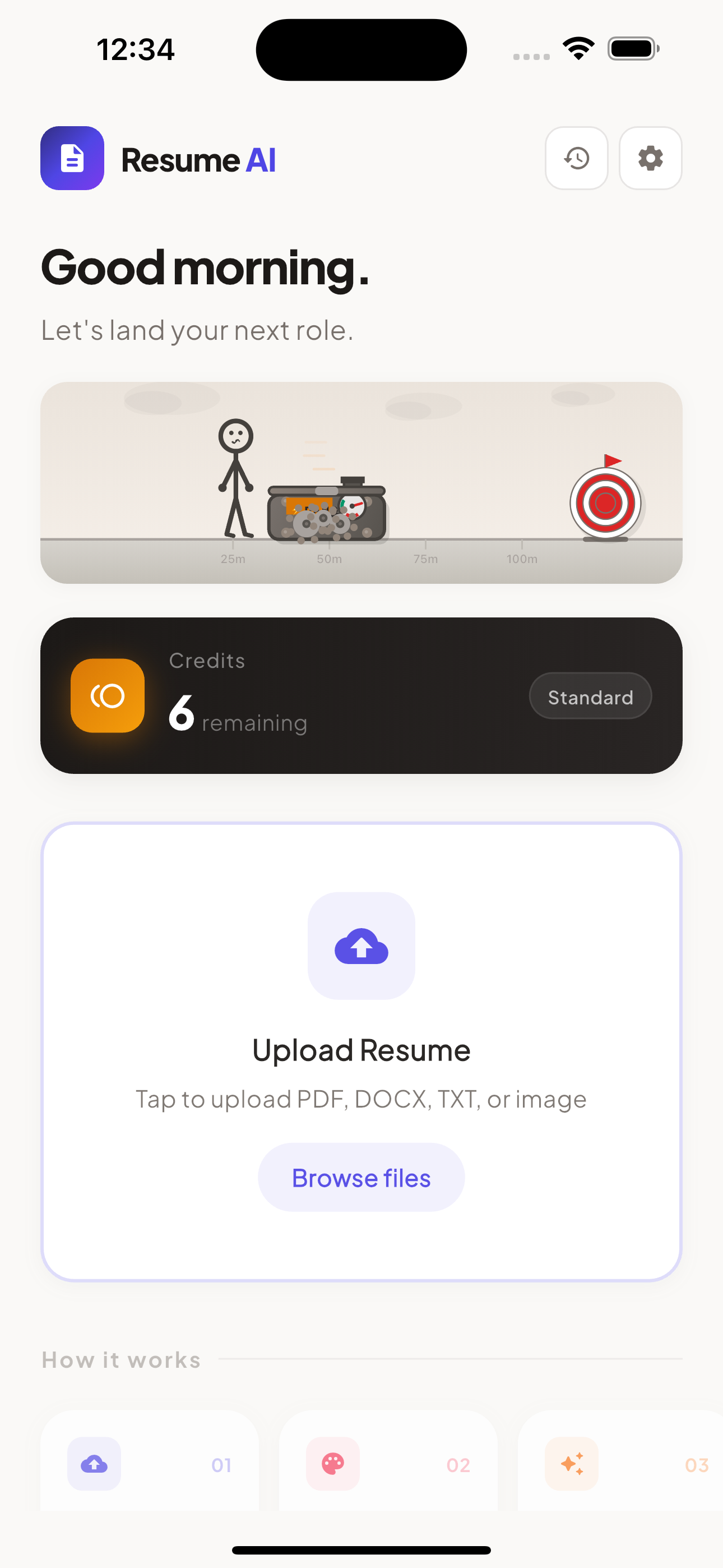
Most large companies use Applicant Tracking Systems to filter resumes before recruiters see them. The system doesn't read your story — it scans for keywords from the job description and ranks the match. The fix isn't sending more applications. It's sending the right resume for each one.
Upload once, tailor for every job. Every posting gets its own version of your resume — without rewriting anything by hand.
Drop in your long-form resume — every role, every project. PDF, Word, plain text, or even a photo. Your original file isn't stored on our servers.
Copy the full posting from LinkedIn, Indeed, or the company site. Our AI reads both sides and finds every keyword, requirement, and skill that matters.
Claude rewrites bullet points, reorders skills, and sharpens your summary to mirror the job. Export to your Drive as ATS-friendly PDF or Word in one tap.
Built specifically for the realities of modern hiring — ATS filters, recruiter speed-reading, and the dozen tabs you have open right now.
Claude rewrites bullets to mirror the job's language — built from the experience you actually have, nothing invented.
Standard sections, parseable fonts, no tables for layout. Designed to read cleanly in Applicant Tracking Systems.
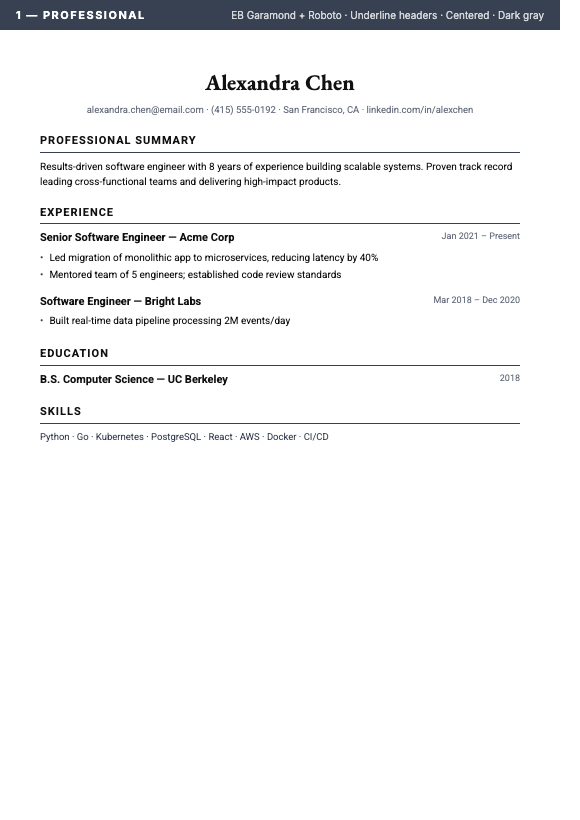
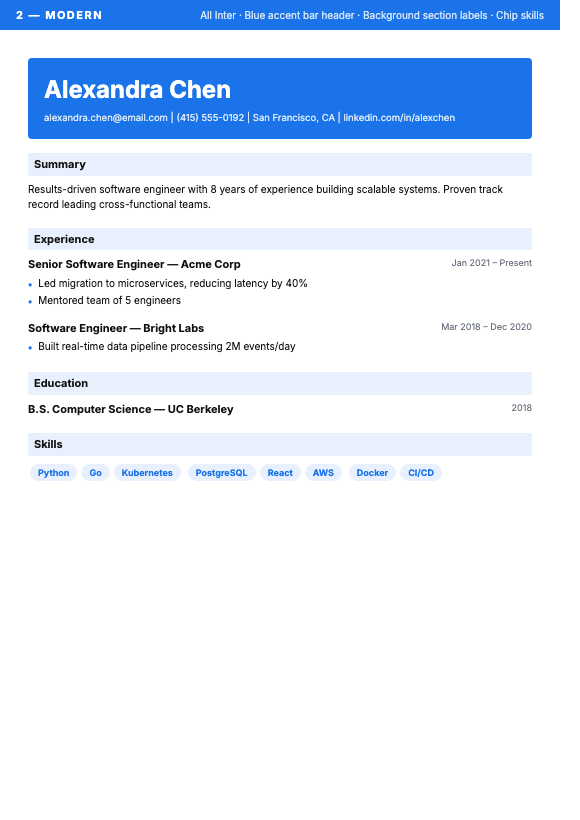
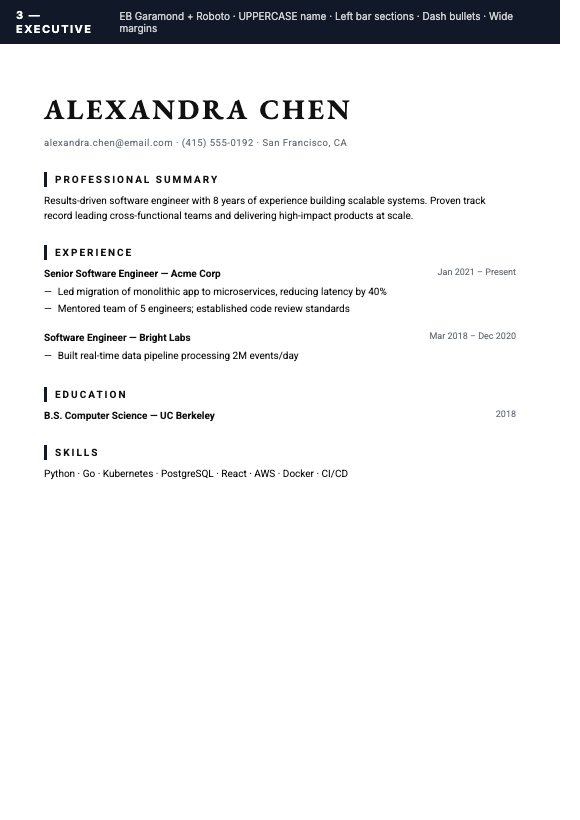
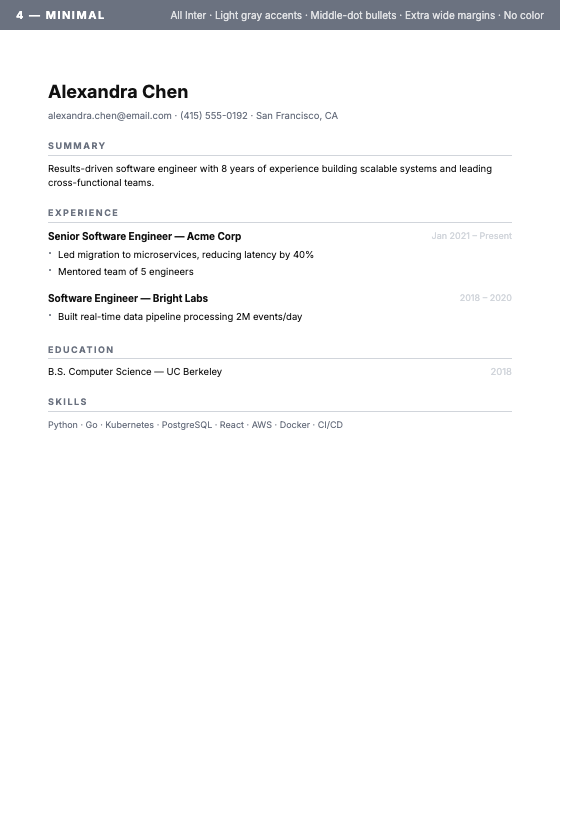
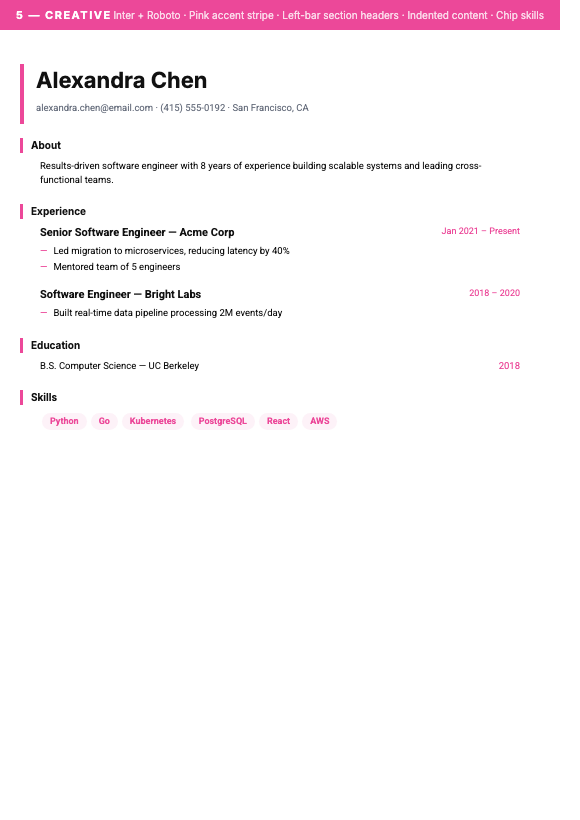
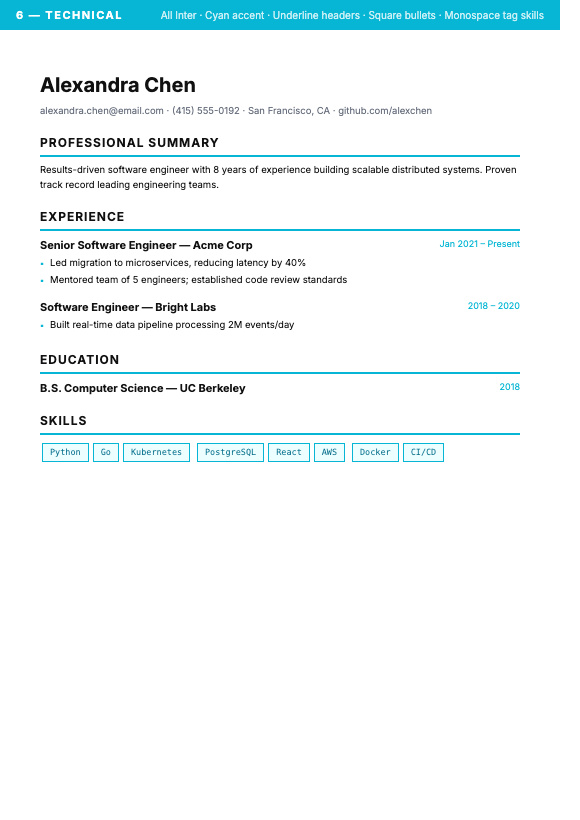
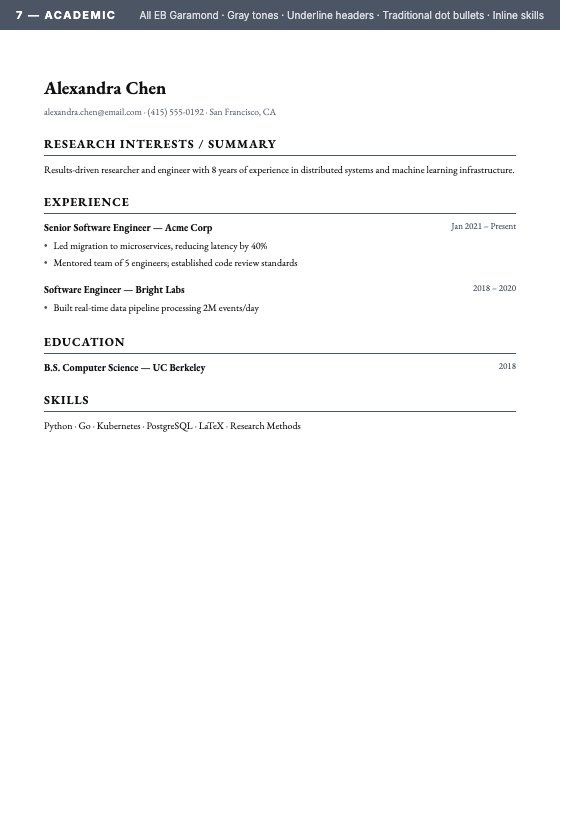
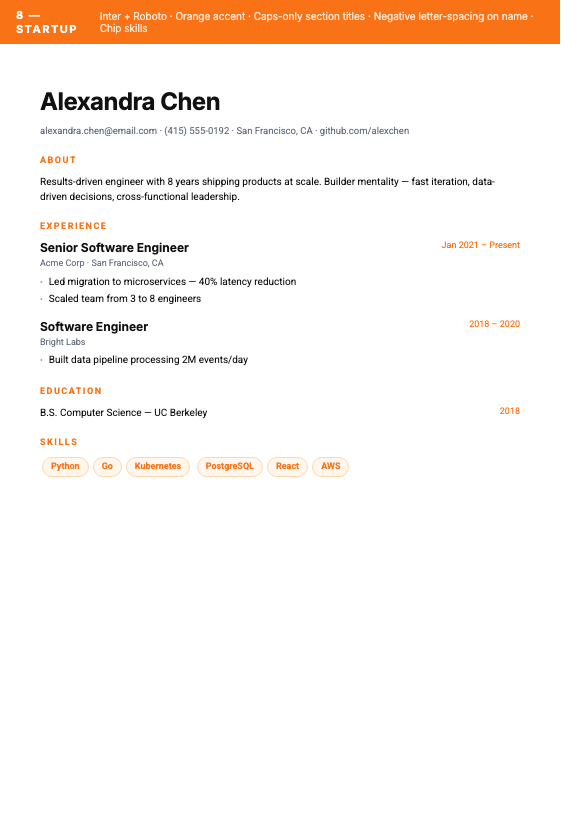
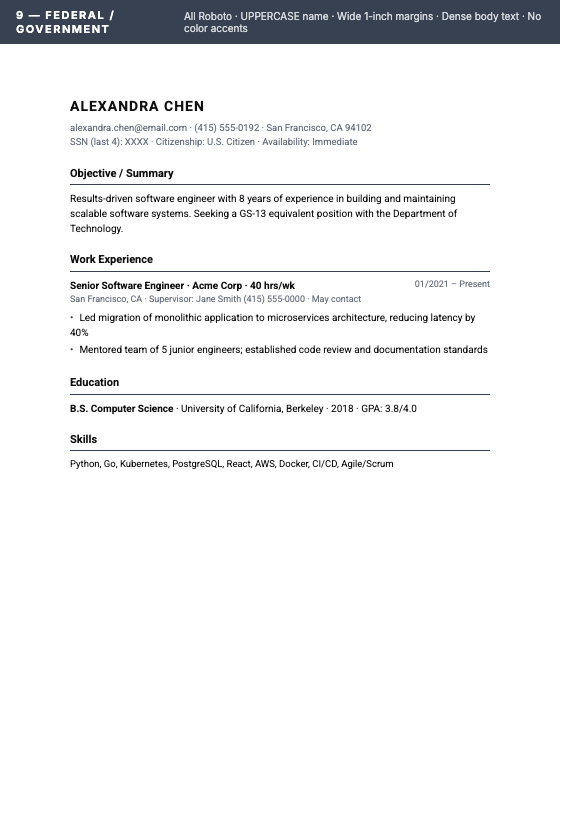
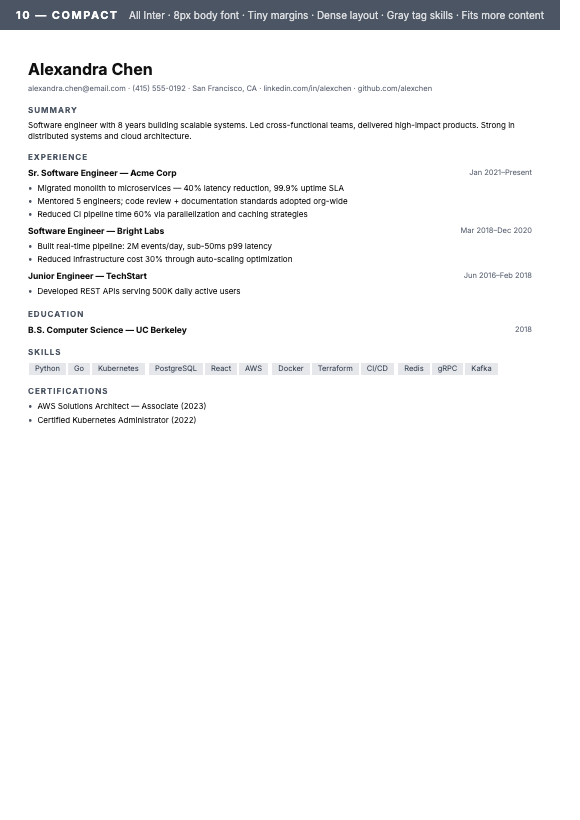
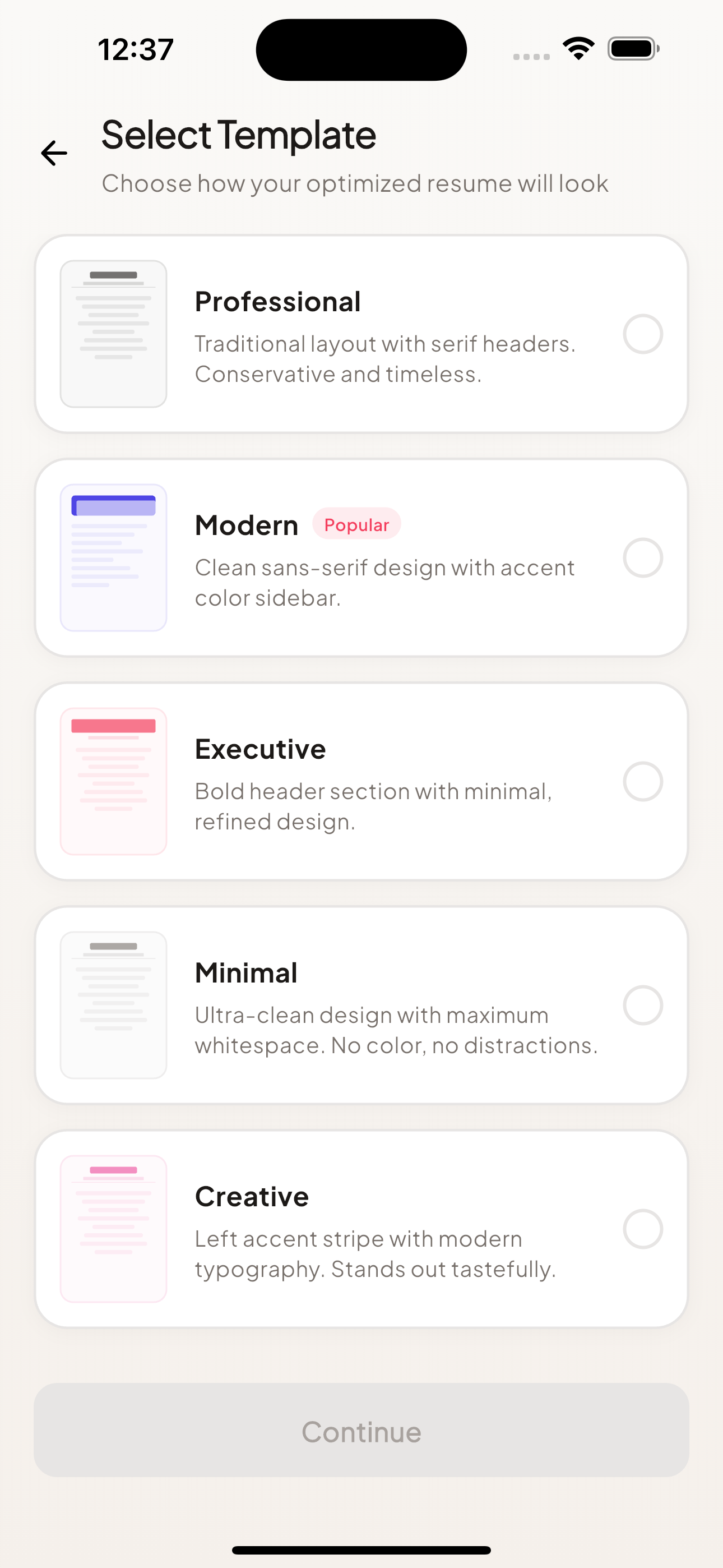
Professional, Modern, Executive, Minimal, Creative, Technical, Academic, Startup, Federal, Compact. Switch instantly without losing content.
PDF, Word, plain text, or a photo of an old resume. We extract the structure and rebuild it cleanly.
Files save straight to your Google Drive or OneDrive — your storage, your control. Your resume files aren't kept on our servers.
Ask the AI to emphasize a skill, tighten a paragraph, or rewrite a section. Iterate until it sounds like the version you'd send. Uses credits only when an edit is made.
Add up to 50 job postings to one batch and get a tailored resume for each. Batch processing is included with Pro.
See an AI estimate of how well your resume matches the role, and what changed. Every edit is explained in plain English.
Claude reads the full job posting and your full resume, then rewrites your bullets to mirror the wording the recruiter is likely scanning for. It's instructed to use only experience you actually have — no invented credentials, no overpromising — and an automated accuracy check flags anything it can't trace back to your original.
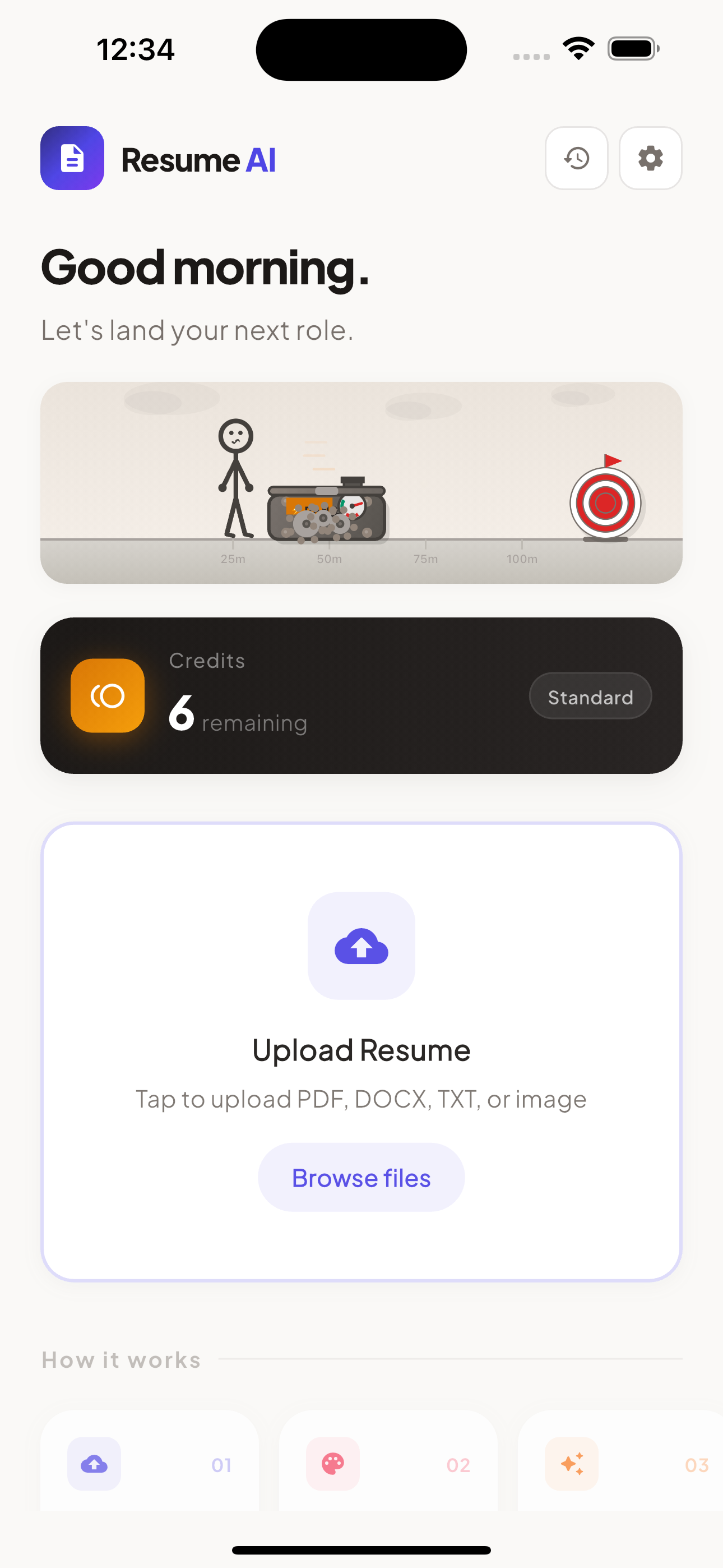
Our ATS-friendly templates avoid every formatting trap that breaks ATS parsers: tables, text-in-images, fancy ligatures, multi-column layouts that scramble in plain text. Your resume reads the same to a human and to the bot.
We process your file in memory and return the result to you. The output saves to your Google Drive or OneDrive — your account, your storage, your retention rules. We don't keep your resume files on our servers.
Switch templates without losing a single bullet. The ten core layouts are ATS-friendly and tuned for a specific kind of role. The app also offers a UK/AU CV and a Europass photo layout for regional applications; the photo layout is not ATS-optimized.
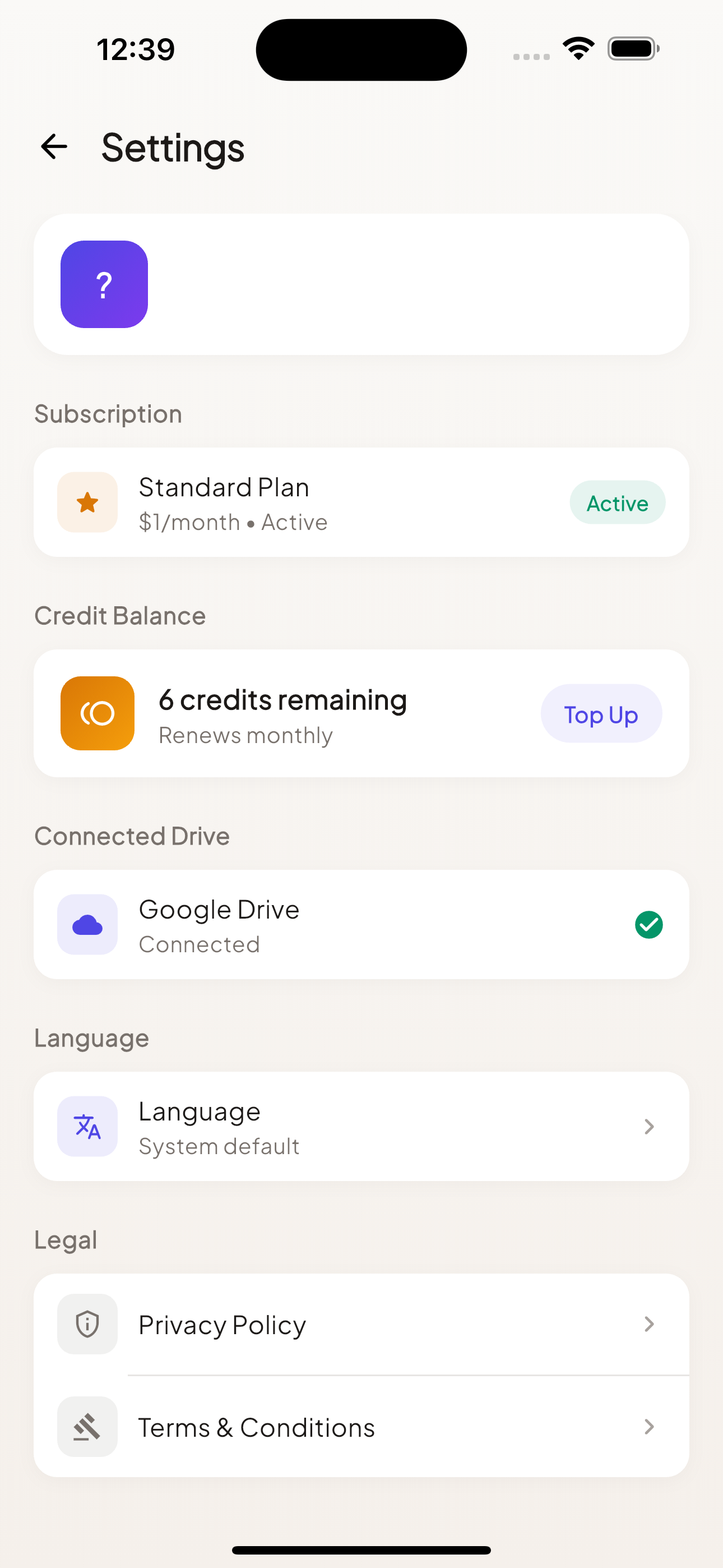
Downloading the app is free; optimizing needs a Standard or Pro plan. Pay through the App Store or Google Play. No third-party billing. Cancel any time.
A low-cost way to tailor a few resumes a month.
For heavy use — batch up to 50 jobs.
Need more? Subscribers can buy top-up credits in-app — they never expire and need no plan change. The number of optimizations per credit varies with the length of your resume and the job posting.
An Applicant Tracking System (ATS) is the software companies use to filter resumes before a recruiter sees them. The system scans for keywords from the job description and ranks each application, so low-match resumes can be filtered out before a human reviews them. Most large employers use one. A resume that wasn't written with ATS in mind can get overlooked even when you're qualified.
It isn't meant to. The AI is instructed to rewrite only the experience you actually upload — it rewords your bullets to mirror the language and priorities of the job description, but must not invent roles, dates, employers, or credentials. An automated accuracy check flags content it can't trace back to your original, and every change is listed in a "What changed" view. Always review the result before you send it.
The app interface is available in 15 languages: English (US/UK/AU), Spanish (ES/MX), Portuguese (BR/PT), French, German, Italian, Dutch, Swedish, Turkish, Arabic, Hindi, Indonesian, Japanese, Korean, and Chinese (Simplified/Traditional). The AI writes your optimized resume in the same language as the resume you upload.
PDF, Word (.docx), plain text (.txt), and images (PNG or JPG — you can take a photo of an old printed resume), up to 10 MB. Older .doc files aren't supported; save them as .docx or PDF first.
Output files save directly to your Google Drive or OneDrive — your account, your storage. We don't keep your resume files on our servers: your resume is processed in memory and the result is returned to you. To make retries safe after a dropped connection, the latest result is held in a temporary cache that is set to expire within 24 hours.
The app is free to download, but optimizing needs a paid plan. Each plan includes monthly credits (Standard: 99, Pro: 999). An optimization typically uses roughly 20–30 credits depending on the length of your resume and the job posting, so Standard covers about 3–4 and Pro about 35–50. Unused monthly credits don't roll over. Need more? Subscribers can buy a one-time top-up that never expires.
Yes. We avoid the formatting tricks that look fancy but break parsers — and the output is also clean, professional, and recruiter-friendly. Twelve template designs cover everything from minimalist to executive to federal-government style. One of them, the Europass photo layout, is meant for human readers and regional applications and is not ATS-optimized.
Cancel your subscription through the App Store or Google Play (your store, your billing). Deleting your account does not cancel a store subscription, so cancel first. Delete your account from inside the app under Settings, or via the Delete Account page on this site.